
When Titus sends payoff details to your closing team (prompted by closing information the homeowner or agent enters), you’ll see a confirmation screen asking you to verify that the payoff information was received by you, your closing attorney, or your title agent.
What you’ll see
After the closing information has been entered and the payoff has been sent, the confirmation screen will display:
- The payoff amount
- A summary of your loan
- A “Confirm Receipt” button
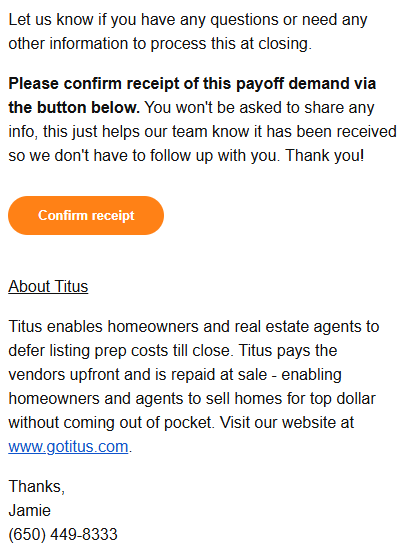
Click “Confirm Receipt” to acknowledge that the payoff information was successfully received.
What happens after confirmation
Once confirmation is submitted:
- Your closing team can proceed with payment through closing
- The loan will be marked as repaid once funds are received
- A final payment receipt will be sent to you by email
Why this step is important
Confirming receipt helps ensure the payoff information reached the correct person and reduces delays or miscommunication between you, your closing team, and Titus.
If confirmation is not received, Titus Support may follow up to verify that the payoff details were delivered successfully.
FAQ
What if I clicked “Confirm Receipt” by mistake?
No problem. Confirming receipt does not trigger payment or change the status of your loan. It only acknowledges that the payoff information was received.
Can my closing attorney or title agent confirm receipt for me?
Yes. Anyone with access to the Titus account or payoff link can submit the confirmation.
What should I do if I never received the payoff information?
Do not confirm receipt. Instead, contact Titus Support so the payoff details can be resent to the correct recipient.
Still stuck? Contact us at support@gotitus.com.