
Connecting Titus to your Prept account
-
Log in to your Prept account
-
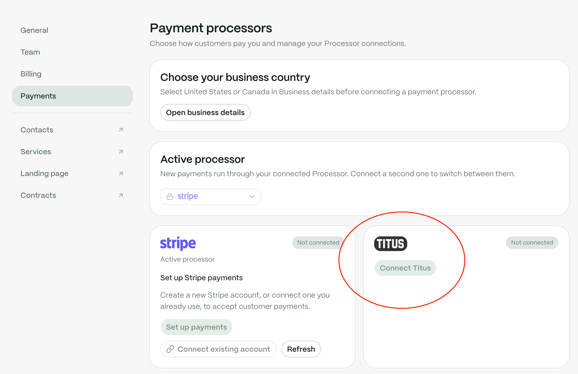
Navigate to Settings > Payments
-
Under Payment Processors, click 'Connect Titus'
If you already have a Titus account
-
Enter the phone # associated with your existing Titus account
-
Enter the 4-digit security code sent to your phone
-
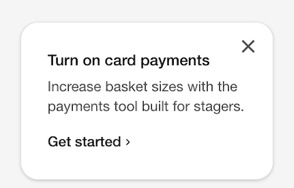
Follow the prompts to complete a card payment processing application
-
It takes about 1-2 days for underwriting to review and approve your application
-
Once approved by Titus, return to your Prept account Settings > Payments
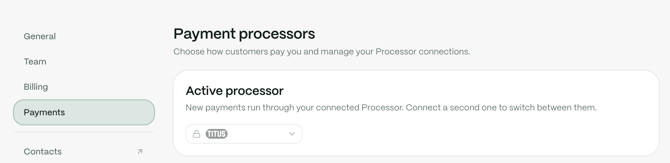
- Ensure your Active Processor is now set to Titus
If you are new to Titus
-
Enter a phone # to get started
-
Complete the business onboarding flow
-
Once you have a Titus account, go to your Titus dashboard
-
Follow the prompts to complete a card payment processing application
-
It takes about 1-2 days for underwriting to review and approve your application
-
Once approved by Titus, return to your Prept account Settings > Payments
- Ensure your Active Processor is now set to Titus
Please reach out to support@gotitus.com if you have any questions.