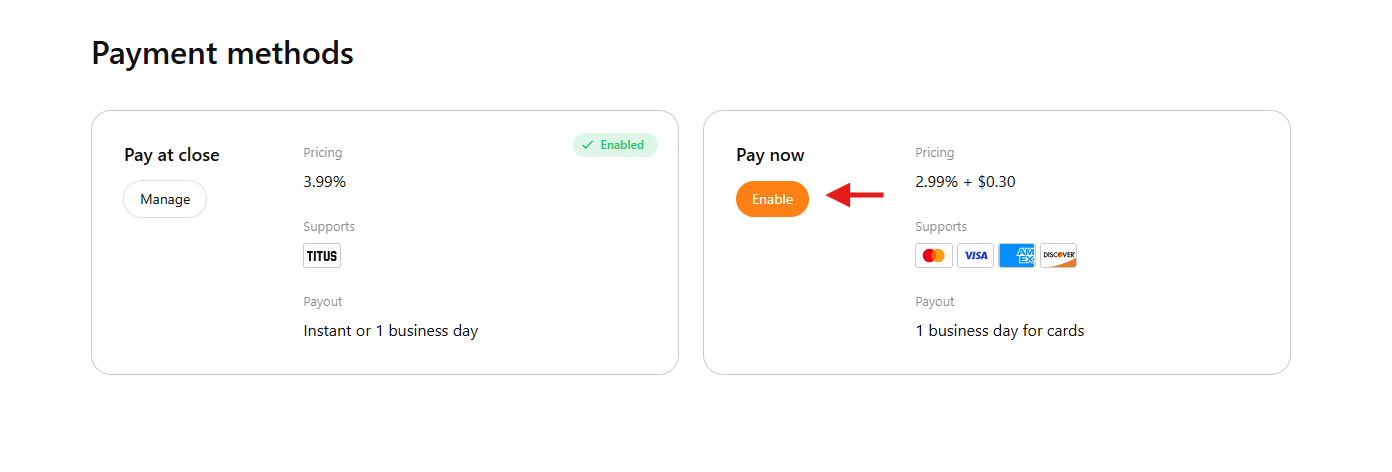
Card payments can be set up by following these steps:
- Log in to Titus at www.gotitus.com using the phone number you originally signed up with
- In your Titus dashboard, click “Settings” on the left
- Under “Settings,” select “Payment Options”
- Click the orange “Enable” button to activate credit/debit card payments
- Complete the online application
Note: Pay at Close must be enabled in order to accept card payments, and card payments must be enabled to use invoicing.